2-Pack 1TB microSD Cards (A2 · U3 V30)


2-Pack 1TB microSD Cards (A2 · U3 V30)
The Intent
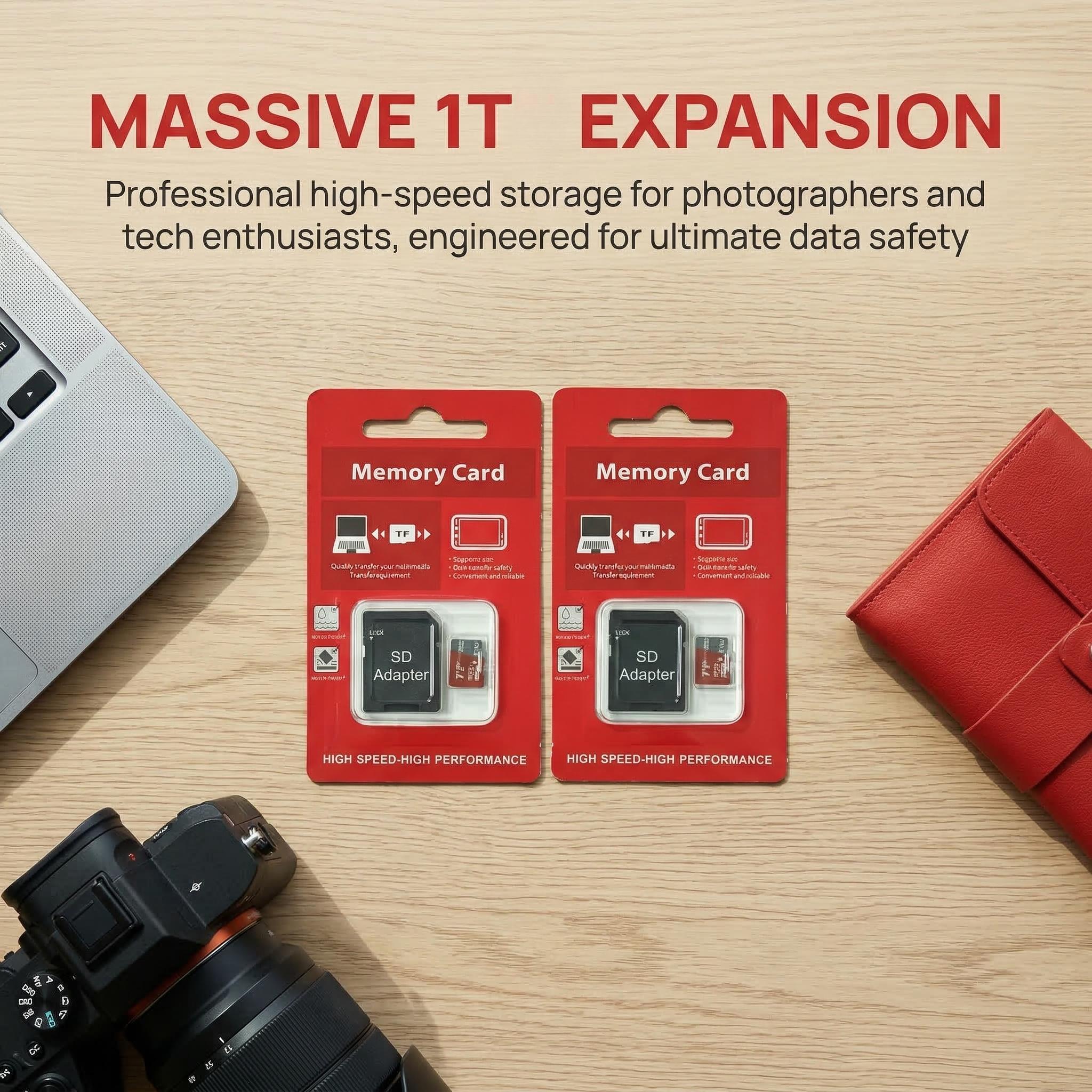
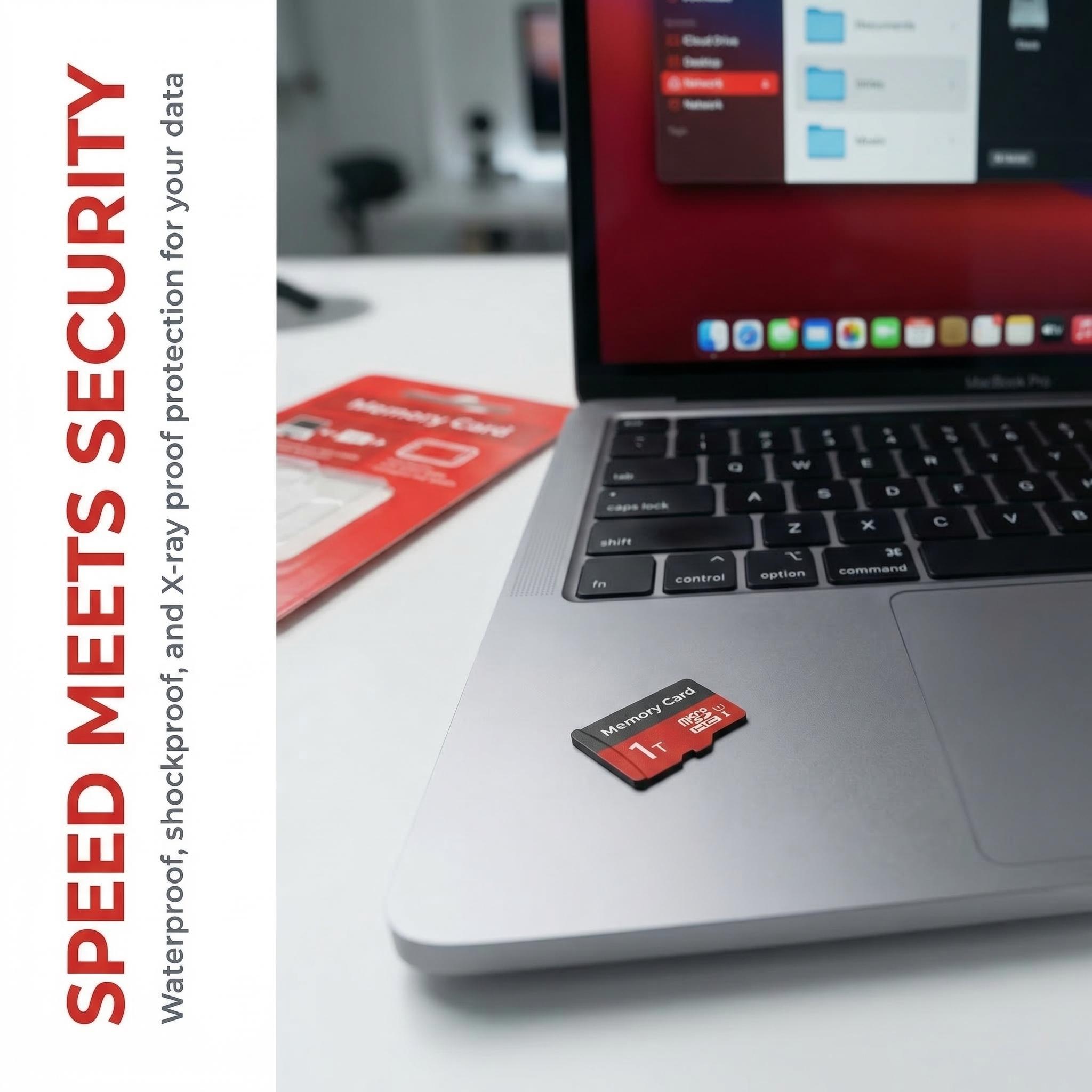
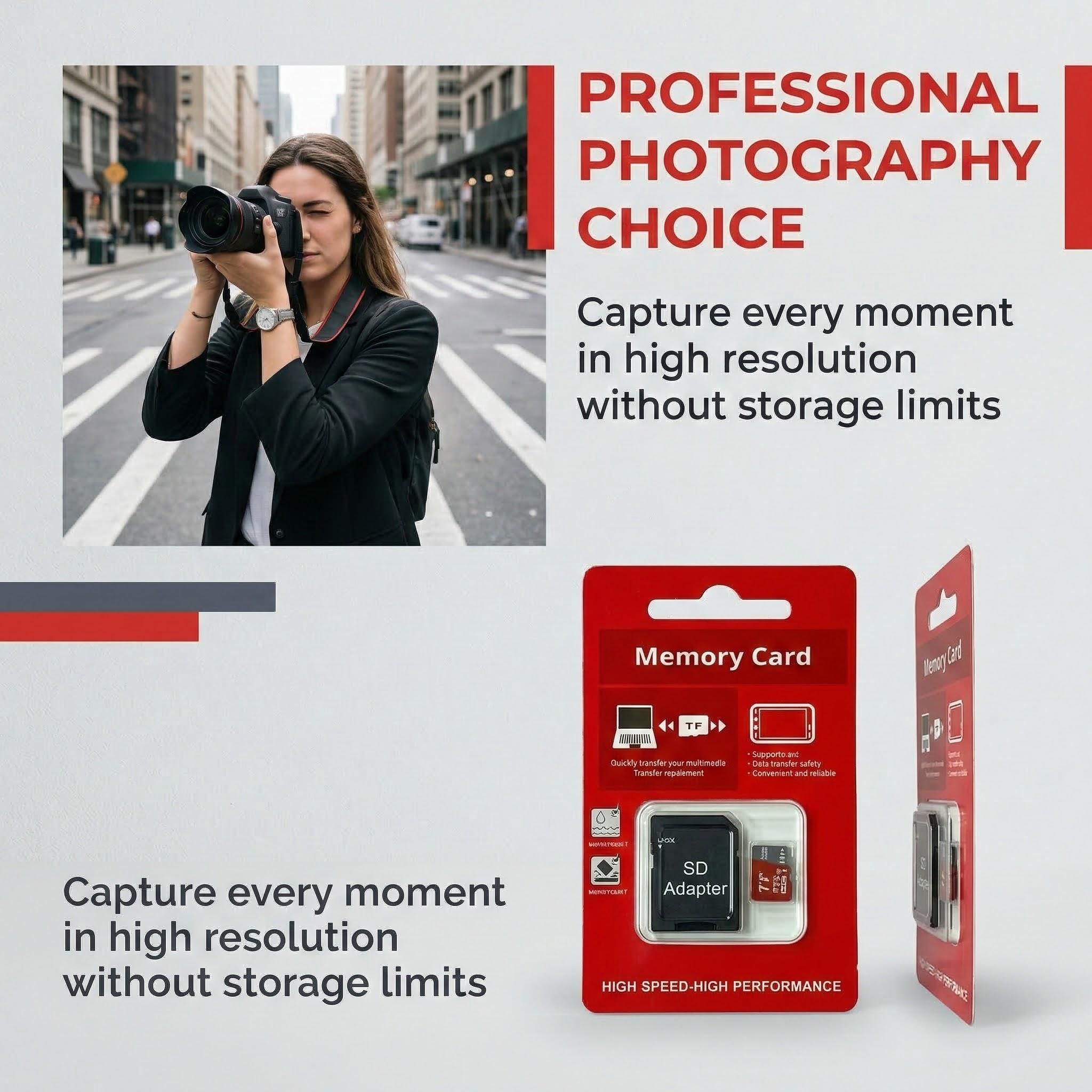
Dual 1TB microSD cards engineered to expand and future-proof local storage for smartphones, tablets, action cameras, drones, GPS units, and gaming consoles. Each card includes a full‑size SD adapter for use in laptops and DSLR/DSLR-style devices. Target workloads: large photo libraries, high-bitrate 4K/Full HD video recording, offline app storage and game installs where low-latency app performance matters.
Verified Specs
- Capacity: 1TB per card (2 cards total)
- Performance classes: A2 (App Performance), Class 10, U3 (UHS Speed Class 3), V30 (Video Speed Class 30)
- Guaranteed sustained sequential write: ≥30 MB/s (V30 / U3)
- A2 random IOPS (meets A2 specification): up to 4,000 read / 2,000 write
- Format/Standard: microSDXC (requires device support for microSDXC / SDXC for full 1TB support)
- Compatibility: Smartphones, tablets, cameras, GPS, Nintendo Switch and any device accepting microSDXC or full-size SD (via included adapter)
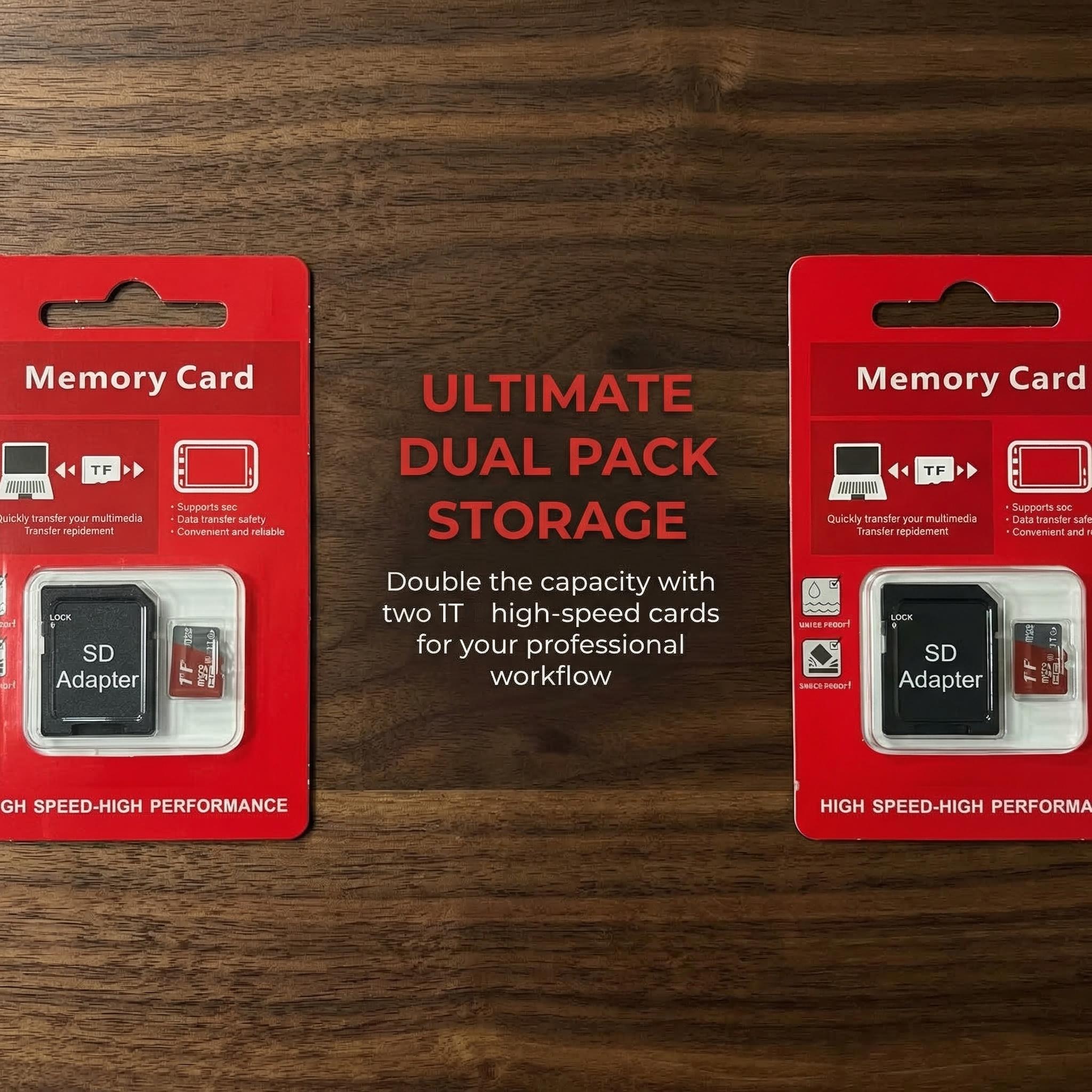
- Package contents: 2 × 1TB microSD cards + 2 × SD adapters
- Card dimensions: 0.6" × 0.4" × 0.04" (microSD)
- Adapter dimensions: 1.3" × 1" × 0.08"
- Total package weight: Approximately 0.1 lbs
- Package dimensions: 5" × 3" × 0.5"
The Benefit
High-capacity, high-performance storage that removes constraints on media and apps. Use cases: maintain multi-thousand photo libraries, record extended 4K footage without segmenting clips, install and run mobile apps/games with improved load and install behavior (A2), and create simple backup/transfer workflows using the included SD adapters. The cards provide a balance of sustained throughput for video capture and random I/O for responsive app behavior.
Operational Assurance
Ready to use out of the box; recommended to format in your device (exFAT for >32GB) for optimal compatibility. Verify your host device supports microSDXC / SDXC to address 1TB volumes — some legacy devices are limited to lower capacities. Performance may vary by host device, firmware, and recording settings. For reliable data integrity: avoid removing the card during writes, maintain backups for critical files, and update device firmware where applicable. If a device fails to recognize a 1TB card, consult the device manual or vendor for capacity support.
Contents below show the physical card and adapter configuration.